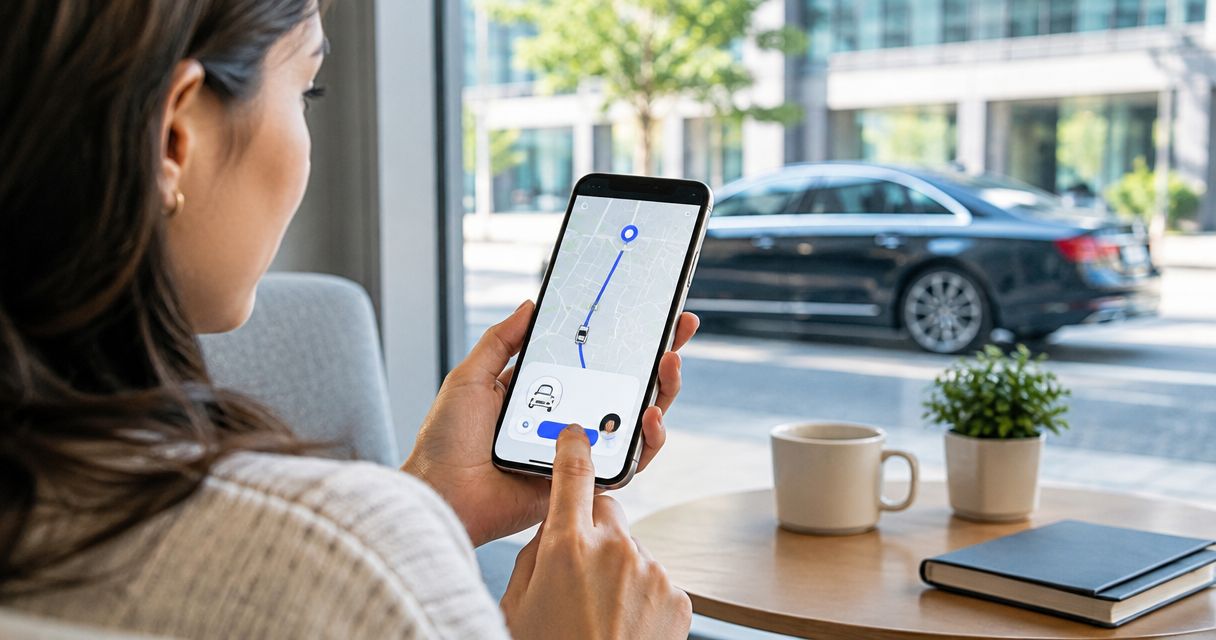
You can track your chauffeur in real time only if your provider gives you access to a live vehicle-location link or passenger app; confirm that access before booking. Flight tracking is different: it follows your aircraft, not your chauffeur, so you still need a clear pickup location, a contact number and a way to resolve changes.
- Can I track my chauffeur in real time? Confirm passenger access to live GPS location before booking.
- GPS location shows vehicle position; flight tracking follows aircraft progress and does not replace chauffeur coordination.
- A moving map does not confirm the meeting point, passenger readiness or permission to stop.
- Ask who receives the tracking link, when access starts and whom to contact if it stops updating.
Can I track my chauffeur's location in real time?
Yes, when your booked service includes passenger-facing live location sharing. Do not treat flight tracking or dispatch monitoring as confirmation that you will receive a map. Ask specifically whether you, your traveler or your executive assistant can view the assigned vehicle during the journey.
For a 2026 booking, distinguish the following tools before relying on any tracking promise:
| Tool or update | Best for | What it tells you | Limitation |
|---|---|---|---|
| Live vehicle-location link | Following the assigned vehicle | The position shared through the tracking system | Does not establish where you should meet |
| Flight tracking | Coordinating an airport arrival | Aircraft progress and arrival information | Does not show the chauffeur's position |
| Chauffeur status message | Confirming pickup readiness | A stated update, such as arrival at the agreed location | Is not a continuously updating map |
| Desk or dispatcher contact | Resolving changes | A human confirmation of the current arrangement | Requires communication rather than passive viewing |
These tools answer different questions. A location link helps you follow movement; an explicit pickup confirmation tells you what to do next. Request both when your traveler needs an unambiguous handoff.
Why this matters
An executive assistant needs to know whether the principal can leave the terminal, not simply whether a vehicle appears nearby. A diplomatic coordinator needs the correct contact and meeting arrangement. A finance team needs a clear record of changes that affect the booking.
A map supports coordination; it does not replace it. Build the pickup around a named meeting point and a reachable contact, then use location sharing as an additional check. That keeps the plan usable when the traveler cannot open a link or the displayed position needs clarification.
How do I confirm live tracking before I book?
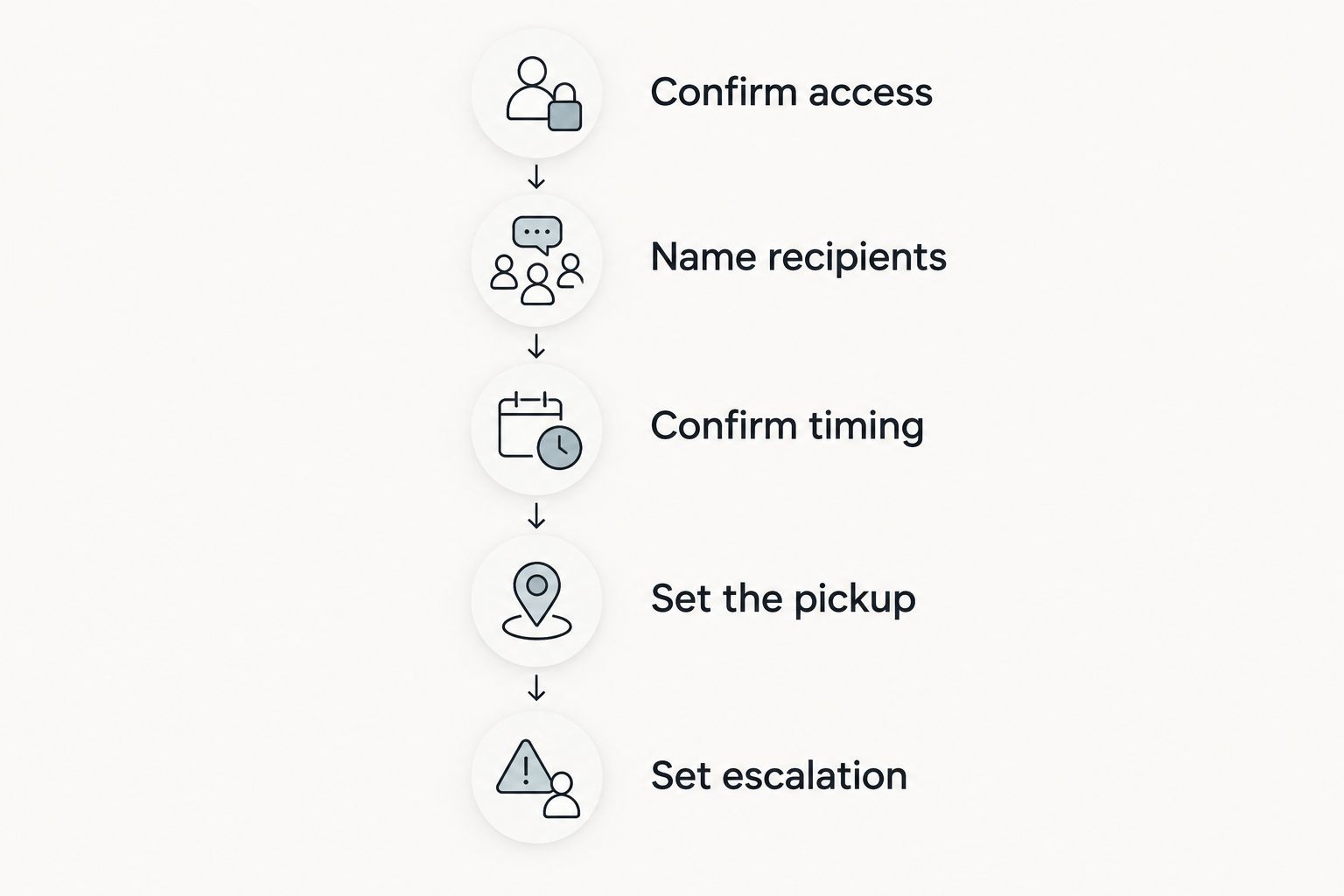
Use this sequence for your 2026 travel brief. Ask for specific answers rather than a general assurance that the journey is monitored.
- Confirm access. Ask whether the service provides a passenger-facing live map, status messages or updates through a desk. Establish which one you are booking.
- Name recipients. Specify whether the traveler, executive assistant or coordinating team should receive updates. Do not assume the booking contact and passenger are the same person.
- Confirm timing. Ask when access begins and ends. Establish how you will receive the link or instructions before the pickup.
- Set the pickup. Record the exact meeting location and the procedure for finding the chauffeur. Keep those instructions separate from the map.
- Set escalation. Identify whom to contact if the link fails, the vehicle changes or the traveler cannot locate the chauffeur.
Put the answers in the itinerary alongside the booking reference. The traveler should not need to search an email chain at the curb, and the assistant should not need the traveler's phone to find the contact details.
Live location sharing: best for following the vehicle
Live location sharing is the appropriate option when your question is where the assigned vehicle is now. Ask whether the shared view identifies the vehicle for your booking and whether it includes an update timestamp.
Its strength is visibility. Its limitation is interpretation: a vehicle marker does not explain the pickup procedure, confirm the passenger is ready or establish whether the vehicle can stop at that point. Use the map to follow position, not to invent a meeting location.
Before relying on the link, open it on the device that will be used during travel. Check whether access requires a login or app installation, and resolve those requirements before the traveler arrives.
Flight tracking: best for coordinating aircraft arrivals
Flight tracking follows the flight. It supports airport-transfer coordination, but it does not give the passenger a live view of the car.
Give the provider the flight identifier, arrival date and airport. Separately, explain the pickup arrangement you need and ask how changes will be communicated. The flight's arrival and the passenger's readiness to meet the chauffeur are different milestones.
For a 2026 airport itinerary, keep flight details and ground-contact instructions together. Do not replace the pickup instructions with a flight-status screenshot: neither the chauffeur's meeting point nor the passenger's next action follows from that image alone.
Direct updates: best for resolving an unclear pickup
A chauffeur or coordination desk can clarify a situation that a map cannot explain. Use direct contact when the traveler has reached the agreed meeting point but cannot identify the vehicle or chauffeur.
The benefit is context. The limitation is that a message describes the situation when it was sent rather than providing a continuous location view. Ask for a clear action: remain at the agreed point, follow confirmed revised instructions or contact the designated coordinator.
Keep the exchange focused. State the booking reference, where the traveler is waiting and what needs confirmation. Avoid sending several competing instructions through different people.
Why real-time tracking arrangements vary
A request for tracking needs to define access, responsibility and the pickup itself. Confirm these factors rather than assuming one arrangement covers every journey:
- Passenger access: Establish whether the traveler receives a live map or whether location information stays with the coordinating team.
- Recipient roles: Identify who needs updates and who has authority to change the pickup instructions.
- Access window: Confirm when sharing starts, when it ends and how to obtain help outside that window.
- Journey structure: Ask whether one arrangement covers an airport transfer, an hourly charter or each separate leg.
- Vehicle reassignment: Agree how the team will communicate a replacement chauffeur or vehicle and identify the correct booking.
- Local pickup instructions: Confirm the actual meeting point independently of any location marker.
Treat these as booking questions, not assumptions about a provider's technology. Written confirmation gives the assistant and traveler the same operating instructions.
What should I do if the tracking link stops updating?
Return to the agreed pickup instructions and contact the designated chauffeur or desk. A stationary marker alone does not establish what has happened, so do not redirect the traveler based only on that display.
Check whether the view shows a last-update time. Then send a short request for confirmation: the booking reference, the traveler's current meeting point and the information needed. Ask whether the assigned chauffeur and vehicle remain unchanged.
For your 2026 travel instructions, include an offline fallback: save the contact number and meeting point somewhere accessible without reopening the tracking page. Keep the traveler at the agreed location unless the responsible contact confirms a change.
Can my executive assistant track the chauffeur instead of me?
Your executive assistant can receive location information if the provider's sharing arrangement permits it. Confirm that access before travel and identify the assistant as a recipient rather than assuming the booking email automatically receives every update.
Separate visibility from authority. The assistant can monitor the journey while the traveler receives only essential pickup instructions, but everyone should know who approves changes. That distinction prevents an assistant, traveler and local coordinator from issuing conflicting directions.
For a delegation, designate a lead coordinator and a backup contact. Assign responsibility by journey or vehicle, and avoid distributing a single undifferentiated set of updates to everyone involved.
Does live tracking guarantee an accurate arrival time?
Live tracking does not guarantee an arrival time. A vehicle position and a confirmed pickup are different pieces of information; use the responsible contact to clarify the plan when timing is critical.
If a display includes an estimated arrival, treat it as an estimate rather than permission to move the traveler. Ask whether the chauffeur is at the agreed location and ready for the handoff. That is the operational confirmation you need.
Do not use a map alone to decide that a traveler should leave a secure waiting area, cross to another pickup zone or abandon the agreed meeting point. Obtain explicit revised instructions first.
How should I handle tracking for confidential travel?
Share journey information only with the people responsible for the trip. Before circulating a link, ask who can open it, whether it can be forwarded and how access ends. Do not assume a link is restricted simply because it arrived in a booking message.
Use this checklist in your 2026 travel brief:
- Name the authorized recipients for location updates.
- Identify the person who can approve itinerary changes.
- Keep passenger contact details out of unnecessary group messages.
- Ask how to report a link sent to the wrong recipient.
- Confirm the communication channel for sensitive itinerary changes.
These are coordination checks, not proof of any provider's security controls. For diplomatic or confidential business travel, request specific answers about information handling instead of relying on general language about privacy.
Where does Chauffyr fit into this planning process?
Chauffyr is best for executive assistants and delegation coordinators arranging executive chauffeur travel through one 24/7 desk. Its US-based coordination supports worldwide service through vetted chauffeurs and affiliates; that does not mean every chauffeur is an employee or every vehicle belongs to the company.
Chauffyr serves 120+ airports across 50+ countries and provides flight tracking. When arranging travel, ask separately whether passenger-facing live vehicle tracking is available for the specific booking, who receives access and how pickup changes will be handled.
Use Chauffyr to begin arranging the journey. Include the flight details, traveler and assistant contacts, meeting requirements and your request for location-sharing confirmation. Keep consolidated billing requirements in the same brief if you are arranging a corporate account.
FAQ
Can I track my chauffeur in real time without downloading an app?
You can use browser-based tracking only if your provider supplies a link that works without an app. Confirm the access method before travel and open it on the device you will use.
Is flight tracking the same as tracking my chauffeur?
Flight tracking follows the aircraft, not your chauffeur's vehicle. Ask separately for live vehicle-location access and written pickup instructions.
Can my assistant receive my chauffeur's tracking link?
Your assistant can receive the link if the provider permits that sharing arrangement. Name the assistant as an intended recipient and clarify who can authorize pickup changes.
What should I do if my chauffeur looks stationary on the map?
Contact the designated chauffeur or coordination desk and request a current status confirmation. A stationary marker alone does not explain the situation or justify changing the meeting point.
Does Chauffyr offer flight tracking for airport transfers?
Chauffyr provides flight tracking and one 24/7 desk for coordination. Ask separately whether your specific booking includes passenger-facing live vehicle-location access.
Can I use one tracking link for every vehicle in a delegation?
Confirm how each assigned vehicle will be identified before relying on a shared link. Give the lead coordinator a clear vehicle-by-vehicle plan and an escalation contact.
Should I send my chauffeur's tracking link to everyone attending the meeting?
Limit distribution to people responsible for coordinating the journey. Confirm access and forwarding rules before sharing travel-location information beyond the intended recipients.
One last thing
The most useful pickup update is not necessarily a moving dot. It is confirmation that the correct chauffeur is at the agreed meeting point and the traveler knows how to make contact.
Before the journey, ask: Who confirms that the passenger and chauffeur have found each other? Assign that responsibility in the travel brief. A visible vehicle is useful; a confirmed handoff completes the pickup.